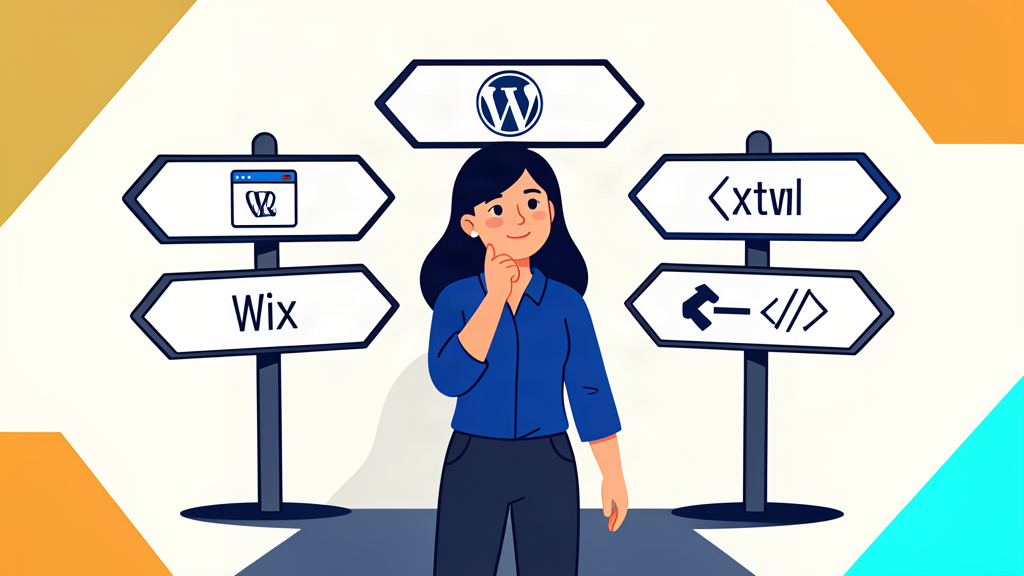
Every local business owner hits the same wall: you need a website, and suddenly you're drowning in options. Wix says it's free. WordPress says it powers 43% of the internet. Your cousin says he can hand-code one. Which one actually makes sense for a plumber in Hamilton, a salon in Mississauga, or a restaurant in Ottawa?
We've built websites on all three. Here's what we've learned — the good, the bad, and the hidden costs — so you can make the right call without spending six months researching.
Wix: The "Easy" Option That Gets Expensive Fast
Wix markets itself as the no-code, drag-and-drop solution for small businesses. And to be fair, you can get a basic site live in an afternoon. But here's what the ads don't tell you:
- Speed. Wix sites load slowly. The average Wix site scores 25-40 on Google PageSpeed Insights for mobile. Google's March 2026 Core Update made speed a primary ranking factor, so a slow site means lower search rankings.
- SEO limitations. Wix has improved its SEO tools, but you're still locked into their structure. You can't control server-side caching, URL redirects are clunky, and schema markup requires workarounds.
- The real cost. The "free" plan puts Wix ads on your site and doesn't include a custom domain. To look professional, you need the Business plan at $27-$32 CAD/month. Over three years, that's $1,000+ — and you don't own the code.
- Migration pain. If you outgrow Wix, you can't export your site. You start over from scratch.
Wix is fine for a hobby. For a business that needs to rank on Google and convert visitors into calls, it's a liability.
WordPress: Powerful, But a Full-Time Job
WordPress runs 43% of the internet for a reason — it's flexible, has thousands of plugins, and gives you full control. But that flexibility comes with a cost most small business owners don't see coming:
- Maintenance. WordPress needs constant updates — core, themes, and plugins. Skip a few months and you risk security vulnerabilities, broken layouts, or a white screen of death.
- Speed requires work. Out of the box, WordPress is slow. You need caching plugins, image optimization, and a good host just to hit acceptable load times. That's either your time or a developer's bill.
- Plugin bloat. Every feature you want — booking, SEO, contact forms, analytics — needs a plugin. The average small business WordPress site runs 15-25 plugins, and each one adds load time and security risk.
- Real cost. Hosting ($10-$30/mo), premium theme ($50-$200), premium plugins ($100-$300/yr), and a developer when things break ($75-$150/hr). You're looking at $500-$1,500/year before any design work.
WordPress is the right choice for content-heavy sites, e-commerce stores, or businesses with an in-house marketing team. For a local business that just needs to get found and get calls, it's overkill.
Custom HTML: Fast, Lean, and Built for One Purpose
This is what we build at MWL Media — hand-coded, static HTML sites that are optimized for speed, SEO, and conversions. No CMS, no plugins, no monthly security patches. Here's why it works for local businesses:
- Blazing fast. A custom HTML site loads in under 1 second. No database queries, no plugin overhead, no render-blocking scripts. Google rewards this.
- SEO built in. Clean semantic HTML, structured data (schema markup), optimized meta tags, and perfect mobile responsiveness — all baked in from day one.
- No maintenance headaches. No updates to run, no plugins to break, no security patches to worry about. The site just works.
- You own it. No platform lock-in. The code is yours. If you ever want to move hosts or switch agencies, you take everything with you.
- Real cost. A custom HTML site from us starts at $549 one-time or $125/month fully managed (hosting, updates, SEO, and monthly reports included). No surprise bills.
Side-by-Side Comparison
Here's how the three stack up for a typical local business — a plumber, a salon, or a restaurant that needs 5-7 pages, a contact form, and Google ranking:
- Setup cost: Wix $0-$500 | WordPress $500-$3,000 | Custom HTML $549
- Monthly cost (3 years): Wix $27-$32/mo | WordPress $10-$50/mo + maintenance | Custom HTML $0-$125/mo managed
- PageSpeed (mobile): Wix 25-40 | WordPress 40-70 (with optimization) | Custom HTML 90-100
- Maintenance time: Wix minimal | WordPress 2-4 hrs/month | Custom HTML none
- SEO control: Wix limited | WordPress full (with plugins) | Custom HTML full (built in)
- You own the code: Wix no | WordPress yes | Custom HTML yes
So Which One Should You Choose?
Here's our honest take after building 50+ small business websites:
- Choose Wix if you need something live today, don't care about Google rankings, and plan to upgrade within a year. It's a placeholder, not a long-term solution.
- Choose WordPress if you publish content regularly, need e-commerce, or have someone on your team who can handle maintenance. It's powerful but demanding.
- Choose custom HTML if you want a fast, secure, low-maintenance site that ranks on Google and converts visitors into calls. For most local Ontario businesses — plumbers, electricians, salons, restaurants, auto shops — this is the sweet spot.
The platform doesn't matter as much as execution. A well-built Wix site beats a poorly built WordPress site. But a custom HTML site, built by someone who understands local SEO and conversion design, beats both — at a lower total cost of ownership.
What We Recommend
We build custom HTML sites because they're faster, cheaper to maintain, and rank better for local search. Our Starter package is $549 one-time for a complete 5-page site. Our Growth plan is $125/month and includes hosting, SEO updates, and monthly performance reports. Both are live in 48 hours.
No long-term contracts. No plugin nightmares. No surprise bills. Just a website that works.
Ready to get found online?
Get a free quote in 10 minutes. Your website live in 48 hours.
Get a Free Quote →Questions? Call or text us at (647) 362-2017. We're a local Ontario agency — we build websites that work for businesses like yours.